

6. Supporting Cnvrtr
Inhalt
6. Supporting Cnvrtr
Cnvrtr is free and has no ads. When you quit, Cnvrtr reminds you about donating. A supporter code turns this reminder off.
Donating
Click the red cup in the top right of the main window and then Donate now, or donate directly on the Cnvrtr page : by card, Apple Pay, Google Pay, PayPal or Buy me a coffee.
After paying, you receive the code by email at the address you gave when paying.
Entering the code
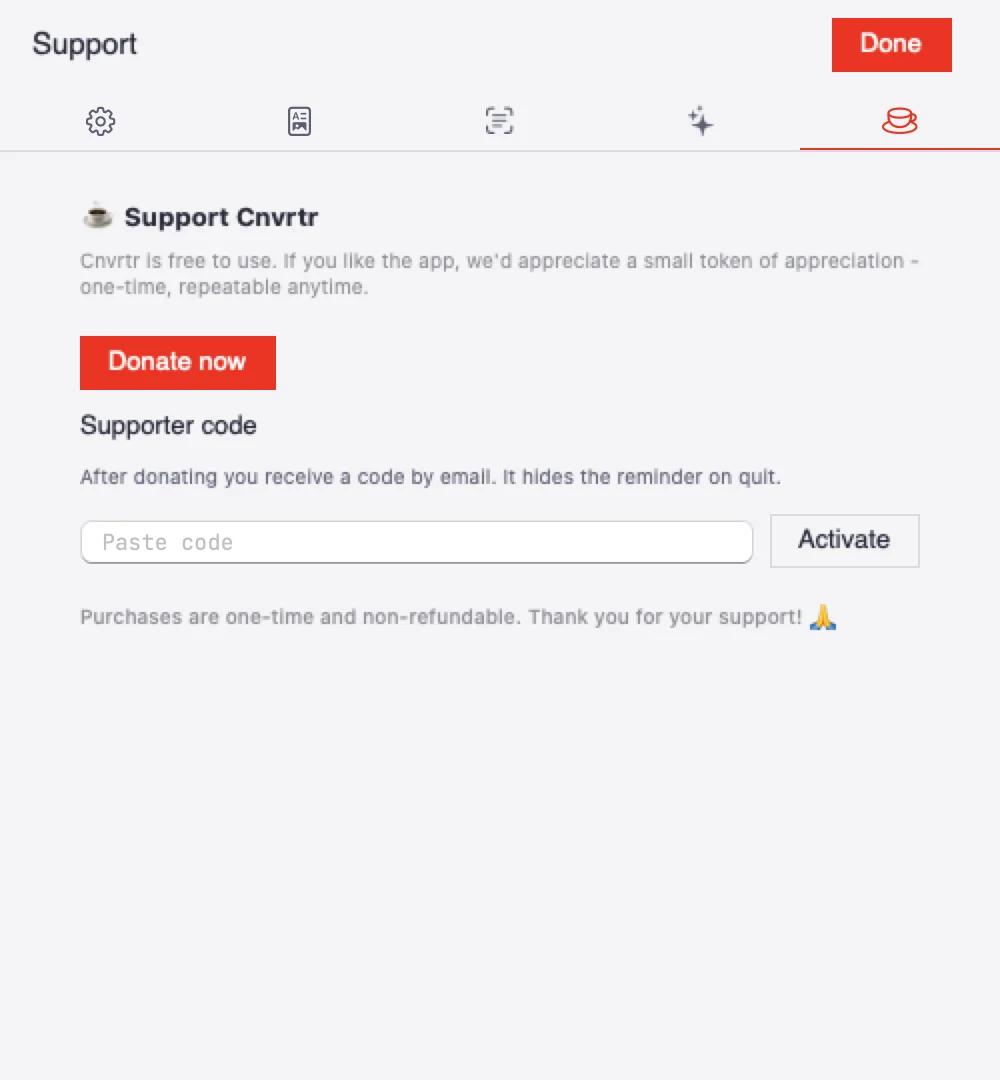
The Support area.
- Copy the code from the email. It starts with
CNV1.. - Click the red cup in Cnvrtr. The settings open in the Support area.
- Paste the code under Supporter code and click Activate.
- Cnvrtr shows Thank you! Code active. The reminder on quit no longer appears.
You can also enter the code straight from the reminder on quit with Enter code….
If no email arrives, check your spam folder or write to post@adminwerk.com .